Getting started
Account & licence
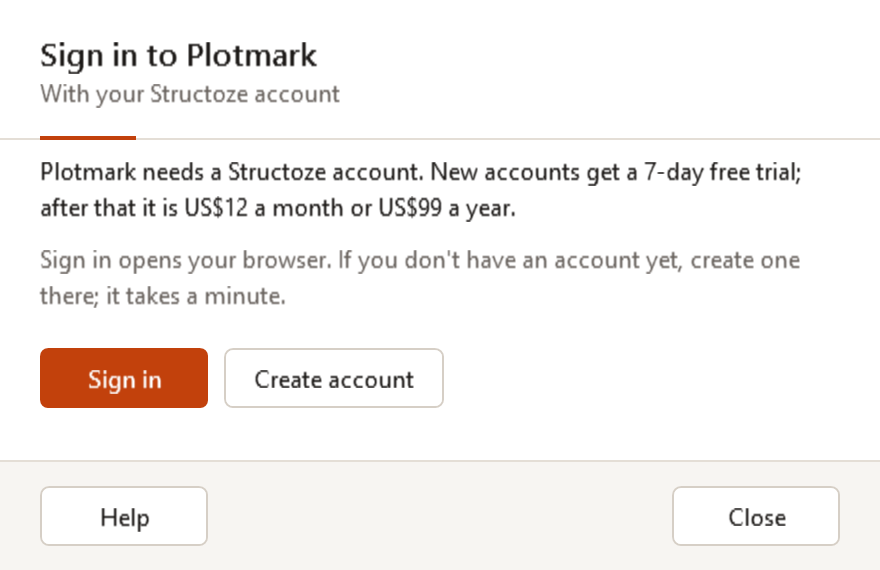
Plotmark uses your Structoze account. Sign in once from Revit; after that it checks your licence quietly in the background.
Sign in
Click Account
Structoze›Plotmark›Account. Any other Plotmark button opens the same window when you are not signed in yet.
Sign in in your browser
Click Sign in. Your browser opens portal.structoze.com and shows a code. Check it matches the one in Revit, then click Sign in to Plotmark. No account yet? Create one there; it takes a minute.
Back in Revit
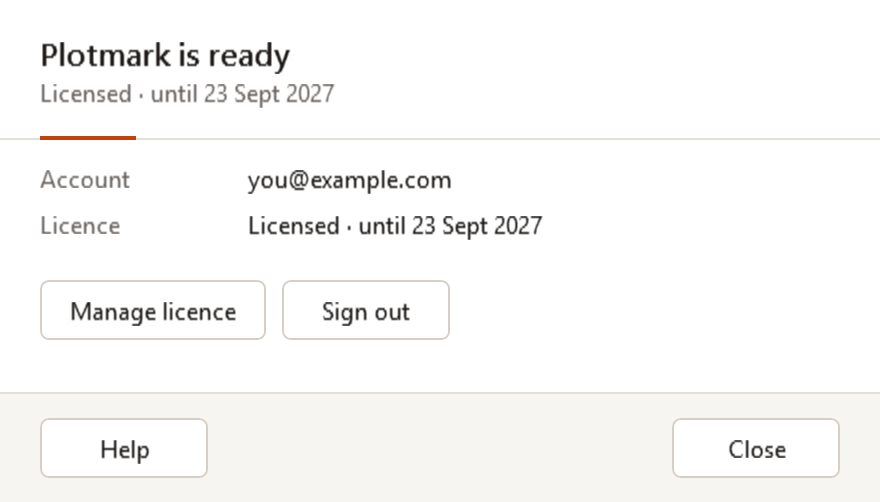
The window updates by itself within a few seconds.
Free trial
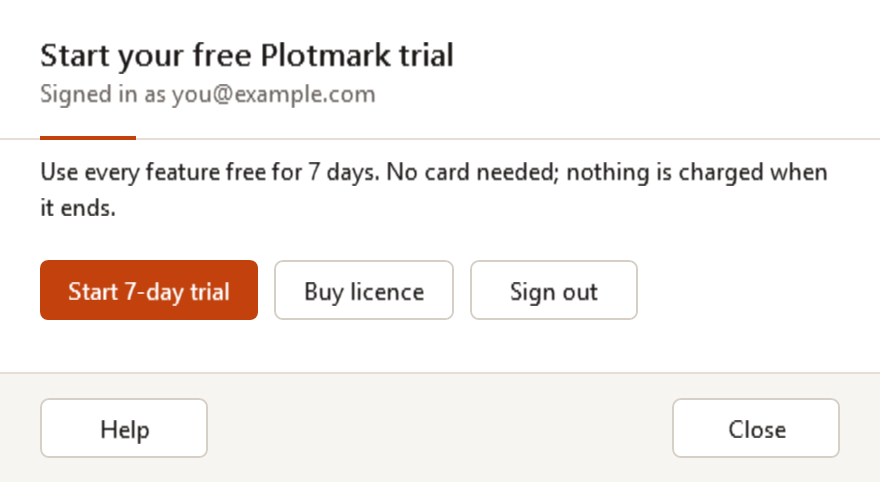
New accounts get every feature free for 7 days, once per account. Click Start 7-day trial. No card is needed and nothing is charged when it ends. Confirm your email address first (the link in the email Structoze sent you).
Buy a licence
| Monthly | US$12 per seat |
|---|---|
| Yearly | US$99 per seat (about 30 % less) |
| Seat | One named person on one computer at a time |
| Renewal | Never automatic; renew from your account |
Click Buy licence in the window, or go to portal.structoze.com. Whoever buys becomes the team admin and can give seats to colleagues from the Team page.
Using another computer
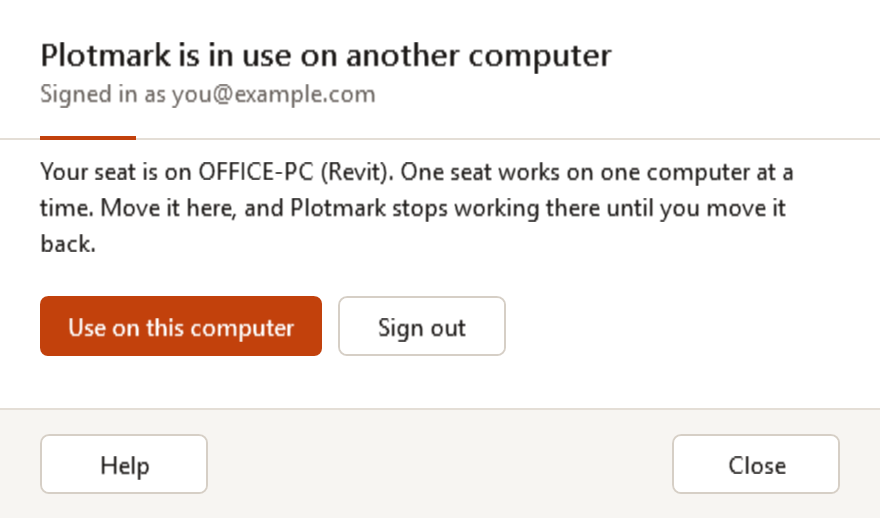
A seat works on one computer at a time. Sign in on the new computer and it takes the seat. The old one shows this window; click Use on this computer to move it back.
Offline
After a successful check Plotmark keeps working without internet for up to 7 days, but never past the end of your licence. It re-checks in the background about twice a day when you are online.
When a licence ends
The buttons ask you to sign in or renew. QR codes, watermarks and PDFs you have already made are not touched. QR codes stop updating by themselves until you renew.
What is sent
Only for the licence check: your sign-in token, an anonymous identifier for your computer (a one-way hash), the computer's name and the Plotmark version. Nothing from your models, sheets or PDFs. Your sign-in is stored encrypted for your Windows user. Sign out in the Account window removes it from the computer.
Something unclear? Tell us.